
Field book / Lift a Cube train
Lift a Cube train
Lift a Cube train is the bottom-screen Train button, also mapped to number key 1. Press it to perform push-ups and raise strength. Click multiplier bubbles when they pop so a single rep can exceed the default one-point gain. When Max Lift beats the next cube label, walk over and start the lift bar. Rapid Left Mouse Button moves the icon to the right. If strength is too low, the cube stays down and you return to push-ups instead of forcing the bar.
Do push-ups
Hold the Train control or tap number key 1 until the strength number changes.
Open the Train menu
Stay on the bottom-screen Train button. Do not hunt a hidden skill tree.
Claim strength
Take the gain so later lifts read the new Max Lift, not the previous pad value.
Check the new Max Lift
Read the number before you leave. Compare it to Wood Cube at 6, then Stone Cube at 61, then Cooper Cube at 206, then Ice Cube at 582.
Head to the lift area
Move with WASD, jump with Space, interact with E. Those are standard Roblox movement bindings, not extra trainer hotkeys.
Attempt the next cube
Start the bar only when your strength already meets the printed recommendation.
Clear the next area
After a lift, spend Cash on arms, a chest roll, or a speed pad, then keep walking the route.
| Action | Binding | Detail |
|---|---|---|
| Train / push-ups | number key 1 | Train button at the bottom of the screen. Push-ups add strength. |
| Lift minigame | rapid Left Mouse Button | Move the icon to the right. Strength must meet the recommended threshold. |
| Move / jump / interact | WASD, Space, E | Standard Roblox movement. No extra documented trainer keys. |
Push-ups and multiplier bubbles
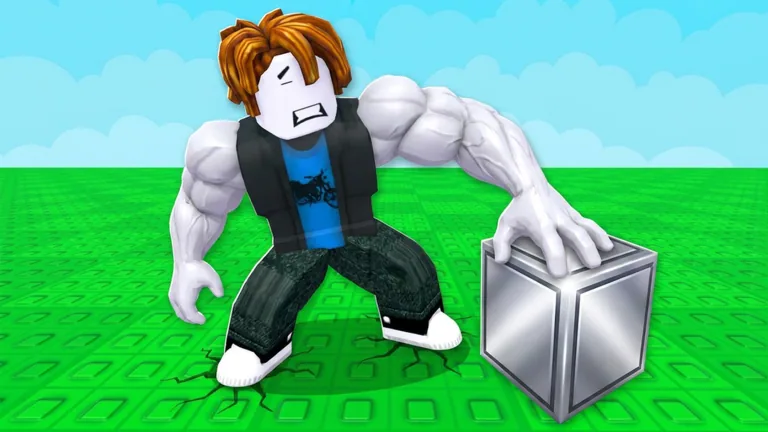
The Train button is the only documented training control. Number key 1 focuses the same action in the live client. Sportskeeda describes push-ups as the strength source, with a default of one strength per rep before materials or arms change the pace. That one-point floor is why standing on the pad matters more than hunting a secret gym.
Multiplier bubbles can appear during a push-up. Click them. A caught bubble raises that single rep above the default gain. Missed bubbles expire. There is no published table of bubble spawn rate, so treat them as a bonus on top of honest reps rather than a machine you can theorycraft.
Better arms shorten push-up time. Arm materials multiply strength gains from those faster reps. Map training-speed pads, bought with Cash, stack on top of both. None of those systems replace the Train button. They only make each press worth more on the way to the next cube label.
The lift bar and failed attempts
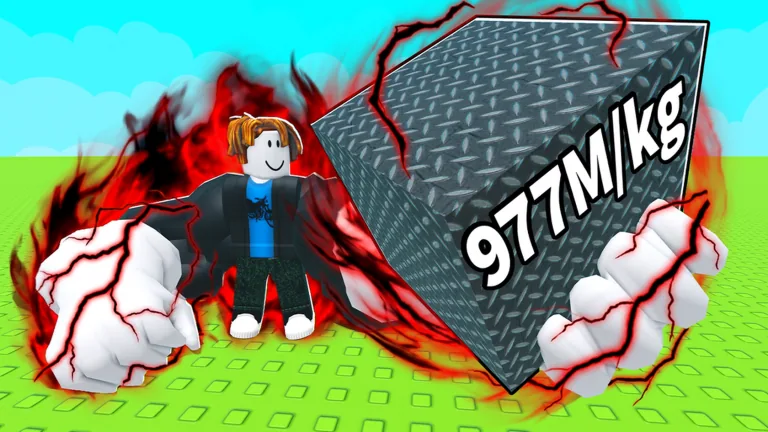
Approaching a cube starts a minigame. Rapid Left Mouse Button moves an icon toward the right edge of the bar. Fill the bar and the cube lifts. Stop clicking or miss the threshold and the attempt fails. Strength must match or beat the recommended label on that cube. A 6 on Wood Cube is a tiny gate. A 582 on Ice Cube is already a different session. Sportskeeda puts the last cube at 1.3 billion strength.
Do not mash the bar as a substitute for training. The minigame is a check, not a skip. If Max Lift is below the printed number, walk back to Train. Overtraining can skip a cube tier because the game has no Rebirth, so you can outgrow a mid-route cube and lose its Cash if you never stop to lift it.
Cash paid per lift scales with cube weight. That is why the route is not 'train forever then grab the last cube.' Early cubes fund the first arms pad and the first chest rolls. Later cubes fund speed pads that make the 1.3 billion gate reachable without a premium purchase, according to the Sportskeeda FAQ.
A practical training session
Join a public server of 10 players. Find the Train control. Do push-ups until Max Lift clears Wood Cube at recommended strength 6. Walk over, rapid-click the bar, take the Cash. Repeat toward Stone Cube at 61, Cooper Cube at 206, and Ice Cube at 582. Between those gates, buy the first arms pad when you have 30 Cash, roll the Arm Materials Chest after a spike, and pick up the movement or training speed pad in the current map section.
On this website, number key 1 focuses the Train link so you can jump back to this page from the hub. It does not send an input into Roblox. Keep the Roblox window focused when you actually want push-ups. Use this page to remember the order: reps, claim, read Max Lift, walk, bar, spend, travel.
If a cube label looks wrong after a live refresh, trust the number printed in your client over any wiki row. Displayed kilograms can change. The four early records on Cubes are independently listed on two player tables, but they are still community-derived, not a Roblox cube API.
A clean ten-minute block looks like this: fifty to a hundred push-ups with bubble clicks, one glance at Max Lift, one walk to the next legal cube, one bar clear, then a Cash decision. Repeat. If the bar fails twice, you are still under the printed recommendation. If Cash sits unused, you are overtraining past a cube you never lifted.